
If you’re a beginner looking for free SaaS tools to boost productivity—no credit card required, no technical skills needed—you’re in the right place. At freesaastoolsguide.com, we’ve tested the best free SaaS tools for 2026, tailored specifically for beginners, students, and freelancers. All tools are cloud-based, easy to use, and 100% free, covering essential needs like note-taking, design, and productivity.

The 10 Best Free SaaS Tools for Beginners (No Credit Card Needed)
We’ve handpicked these tools for their ease of use and suitability for beginners. All are free to use with no credit card required to sign up, and they cover all your most common daily and blogging needs.
1. Notion (Note-Taking & Organization)
A versatile free tool for note-taking, task management, and organization. Sign up with your Gmail account (no credit card needed), then create pages, to-do lists, or use free templates—there’s no steep learning curve. The free plan includes unlimited pages, making it perfect for beginners looking to stay organized.

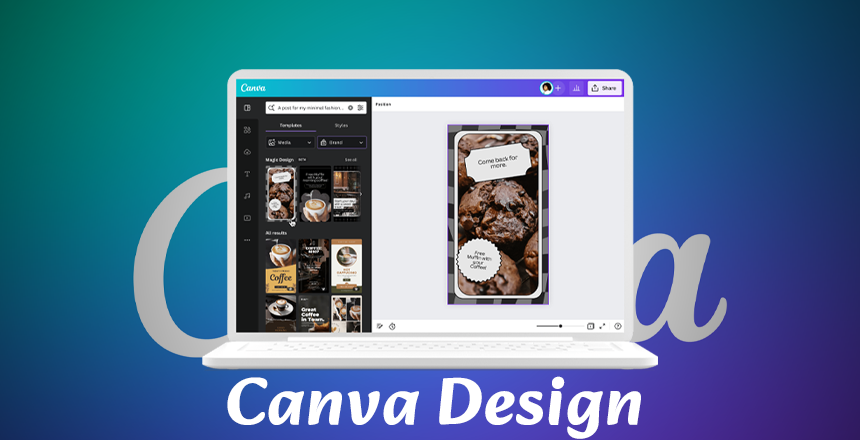
The best free design tool for beginners, with thousands of free templates for social media posts, logos, and presentations. Edit templates with simple drag-and-drop tools—no design experience required. Sign up for free, customize your design, and download it as a PNG or JPG at no cost.
3. Mailchimp (Email Marketing)
Grow your blog’s email list for free: send up to 1,000 emails per month to 500 subscribers, create custom email templates, and track open rates. No credit card is required—simply sign up, build your subscriber list, and design newsletters with easy drag-and-drop tools.
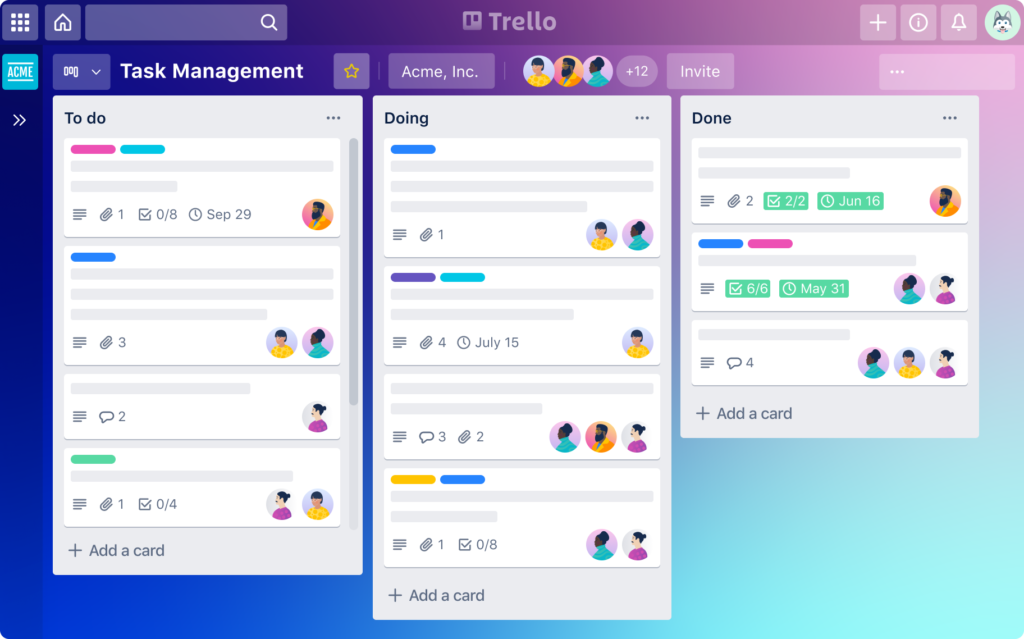
A simple visual tool for task and blog project management. Use boards, lists, and cards to track your to-dos (e.g., “Blog Posts to Write” or “Content Ideas”). The free plan includes unlimited boards, making it perfect for beginners to stay organized.
5. Google Workspace (Productivity Suite)
Free cloud-based productivity tools: Google Docs (for blog writing), Google Sheets (for tracking blog traffic), and Google Drive (with 15GB of free storage). Sign up with your Gmail account—no credit card needed—and enjoy seamless integration with no learning curve for most users.
Save time scheduling meetings or calls: set your availability, share a scheduling link, and let others book time with you—no back-and-forth emails. The free plan syncs with Google Calendar, requires no credit card, and is easy to set up in minutes.
7. Grammarly (Grammar & Spelling Check)
Polish your blog posts for free: it checks grammar, spelling, and punctuation in real time, and works seamlessly with WordPress and Google Docs. Install the browser extension, sign up for free, and fix errors with just one click.

Create short free tutorials (up to 5 minutes per video) for your blog. Record your screen, voice, or face—no video editing experience needed. Sign up for free, install the browser extension, and share your videos via a direct link.
Get 2GB of free cloud storage for your blog images, files, and backups. It syncs with all your devices, is easy to use—sign up for free (no credit card required) and drag-and-drop files to upload them in seconds.
10. HubSpot Free CRM (Customer Relationship Management)
Manage up to 1,000 contacts for free—track subscriber interactions and send personalized emails to grow your audience. No credit card is needed, it’s easy to use, and it’s perfect for scaling your blog.
Quick Tips for Beginners Using Free SaaS Tools
- Start with 1-2 tools: Master basics before adding more (e.g., Notion + Canva).
- Test first: Use free plans before upgrading—no need to pay for unused features.
- Keep it simple: Stick to core features until you’re comfortable.
These 10 free SaaS tools let you be productive without spending a dime—no credit card required, no technical skills needed. They’re perfectly tailored for your blog’s beginner audience. Let us know which tool you’ll try first in the comments!